

1xBet Online Login
You must have either a smart mobile device or a personal computer and an internet connection for you to log into your account. You can then decide to sign in through the website or the mobile app because 1xBet has designed a variety of platforms.
- Mobile app - 1xBet offers two well-optimised apps for Android and iOS for fast access to sports betting. (Download 1xbet App)
- Website - The desktop site offers a variety of features and is great for watching live streams. (1xBet Website Login)
- Mobile Site - Choose this option for a download-free access to 1xBet on your phone. (1xBet Mobile Site Sign-in)
How to Sign in to a 1xBet Account Through the Website
This login option is the easiest since you don’t need to install anything on your device. It’s available to both users with computers and mobile devices because the official website of 1xBet is accessible via all browsers. All you need to do is follow the step-by-step guide demonstrated below.
- Step 1: Visit the official website via a desktop or mobile browser. Use our trustworthy link to head directly to the 1xBet website because there might be other fake copies on the internet.
- Step 2: Press the “LOG IN” button. You should click this button at the top right corner of the website to open the login window.
- Step 3: Enter your login details. Input your email address or account ID in the first field and your password in the next space.
- Step 4: Complete the login process. You should countercheck your login information to confirm it’s correct and then click “LOG IN” to sign into your account.
You can also log in to your account via Apple, Google, X, or Telegram if you joined the betting site via a social networking platform.
How to Sign in to a 1xBet Account Through the Mobile App
1xBet has a downloadable mobile app that’s supported by a majority of Android and iOS mobile devices used by Nigerians. This means that you can use this login option if you have no problem installing betting apps on your mobile device.
| System Requirements | Android | iOS |
|---|---|---|
| OS Version | Android 5.0 or newer | iOS 12.0 + |
| RAM | 1GB RAM | 1GB RAM |
| Storage space | 80 MB | 200 MB + |
| Internet | Requires full internet connection | Stable internet connection is required |
In this case, you should follow the steps expounded in detail below.
Go to the official website of 1xBet via your mobile browser, making sure to do so using our link.
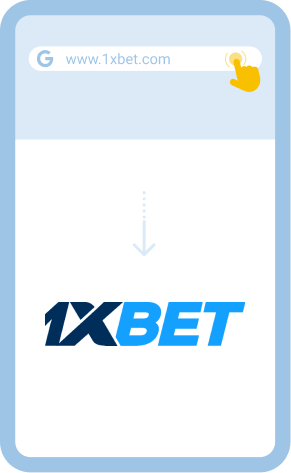
You will see the apps at the bottom of the website and download the one that aligns with the operating system of your gadget.
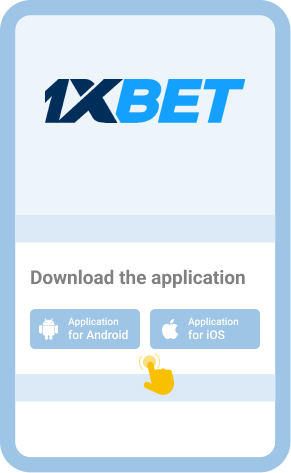
Follow the provided instructions to the letter to avoid encountering difficulties installing the application.
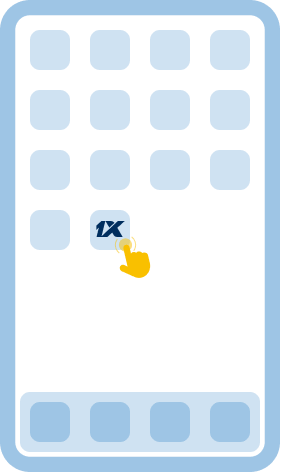
Open the app once it’s installed and use your login credentials to sign into your account.
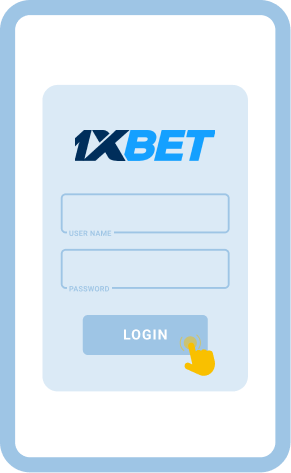
For quick access to your account in the future, you can activate login by biometrics and save your fingerprint in the app.

