MSport Nigeria Online Login
The online sports betting operator allows Nigerian bettors to log into their accounts via desktop browsers, its mobile app, and mobile browsers. You only need a stable internet connection, and then choose the platform you would like to use to access the betting site among the aforementioned ones.
- Mobile app - Msport app is compatible with most Android and iOS phones and tablets in Nigeria. (Download Msport App)
- Website - Use this option for quick access to all the features and sports betting. (Msport Website Login)
- Mobile Site - Seamless mobile betting experience for users with older device models. (Msport Mobile Site Sign-in)
How to Sign in to MSport Nigeria Account Through the Website
Logging in through the MSport website is straightforward and simple, making it possible even for newbie bettors to log in without much struggle. You will only need to complete a few steps as demonstrated below.
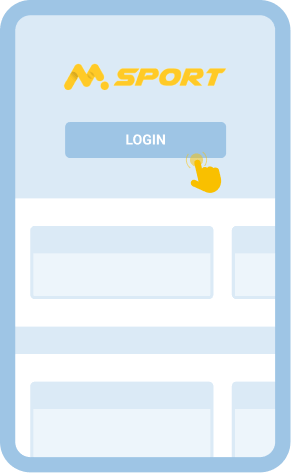
- Open the Msport website on your desktop or mobile browser. Follow our link to go straight to the official website of MSport rather than struggling to look for the site on the internet.
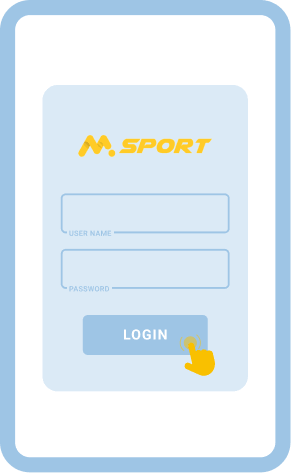
- Enter your login details. You will see where to enter your phone number and password at the top right corner of the website, and make sure to input the correct information.
- Press the “Login” button. You will be logged into your account once you click this button.
During the login procedure, you shouldn’t accept to save your password in the device you are using, especially if other bettors use it, to prevent unauthorised access to your account.
How to Sign in to MSport Nigeria Account Through Mobile App
This login option is meant for those who like using betting apps. But you need to review the system requirements for installing the app first to know whether or not you can use this method.
| System Requirements |
Android |
iOS |
| Version of the operating system |
Android 8.0 or later |
14.0 or higher |
| RAM |
Minimum 1GB |
At least 1GB |
| Storage space |
200 - 300MB |
100MB or more |
| Internet |
Stable 4G network or Wi-Fi |
Stable 4G network or Wi-Fi |
If your Android or Apple mobile device is compatible with the MSport betting app, you should follow the steps described below to sign in to your account.
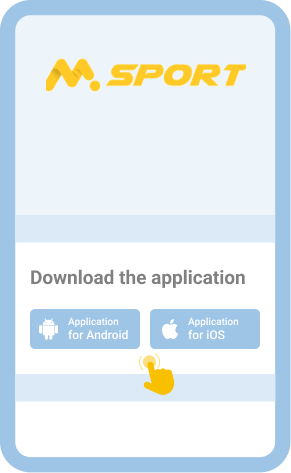
Head to the footer of the betting site and download either the Android or iOS app, depending on the operating system of your gadget.

iOS users will be redirected to the App Store, where they can get the app. Android users will download the APK from the site and will have to install it manually.

Launch the app once it appears on the screen of your mobile device for you to log in to your account.

The login process is similar to doing so via the website illustrated earlier.

This is undoubtedly the most convenient way to sign into your account on the go, as the app is just a click away.
Common Login Issues at MSport Nigeria
It’s very important to understand the challenges you might face when attempting to log into your MSport account so that you won’t panic when you encounter them. This is because you will know how to bypass them and access your account.
| Problem |
How to resolve it |
| The login button is inactive |
Ensure that you are connected to the internet, and if your network is stable, you should clear cached data and cookies from your browser or app, or restart your device. |
| Incorrect password |
If you can’t remember your password, you are supposed to click “Forgot Password?” below the field for entering your password to be redirected to the page where you will change your password. |
| The website isn’t working |
Wait for some time before trying to load the website if the bookmaker hasn’t stated the exact time when normal operations will resume. |
| The app has frozen |
Free some storage space in your mobile gadget in order for the app to have sufficient space to occupy. You can also resolve the issue by clearing any corrupt cached data from the app. |
Getting in Touch with Customer Service
Do not worry if you come across other issues different from the ones contained in the table above, because MSport has assembled a team of professional and friendly customer care agents who will help you circumvent them. You will only need to reach out to them via any of the offered communication methods, including live chat, email, phone (02018888331/02013438331), Facebook, X, Instagram, and Telegram.